Strategy
How to start with email marketing automation
A handful of well-built flows tied to clean customer data will do more for a business than a busy newsletter calendar.
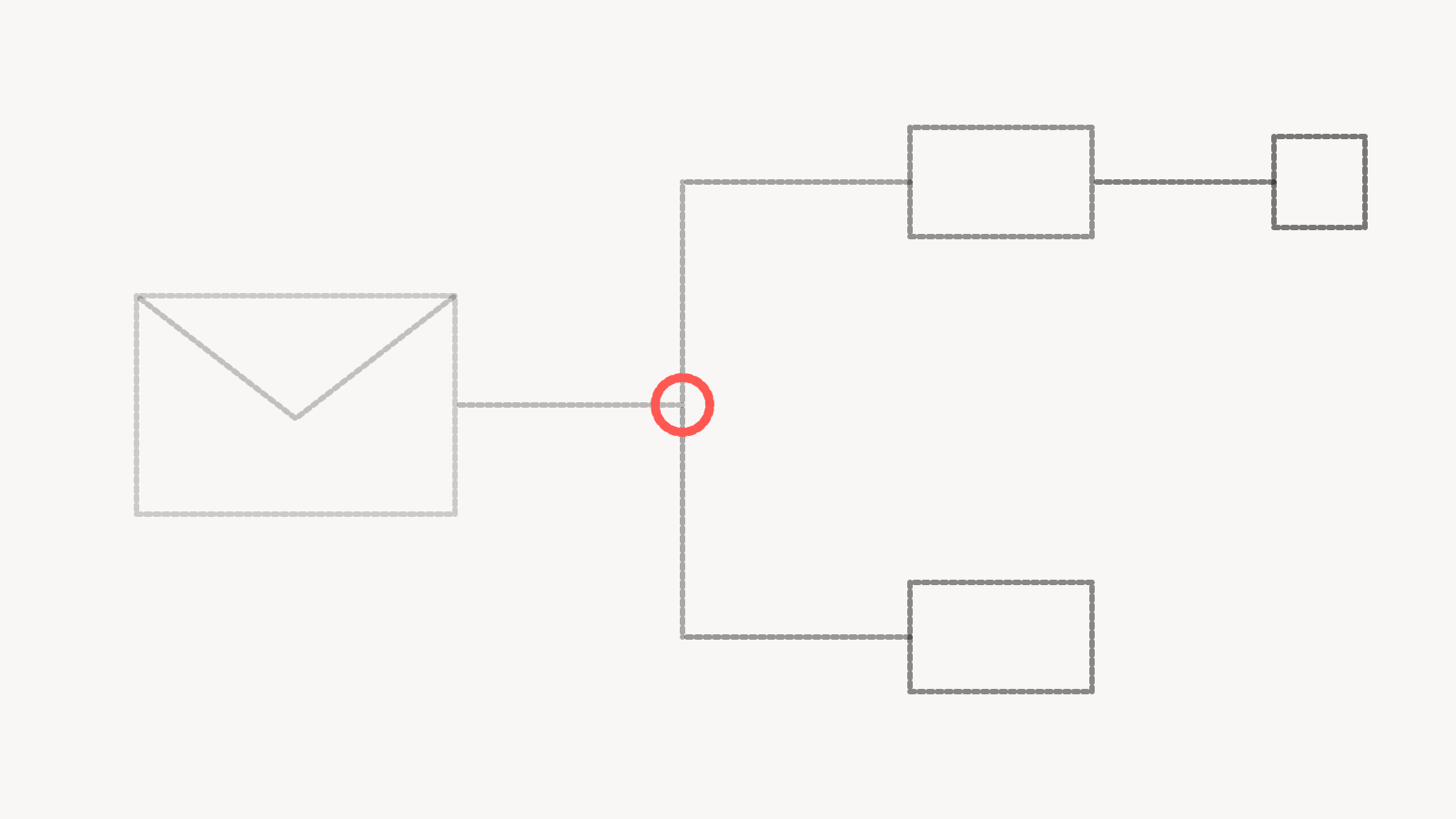
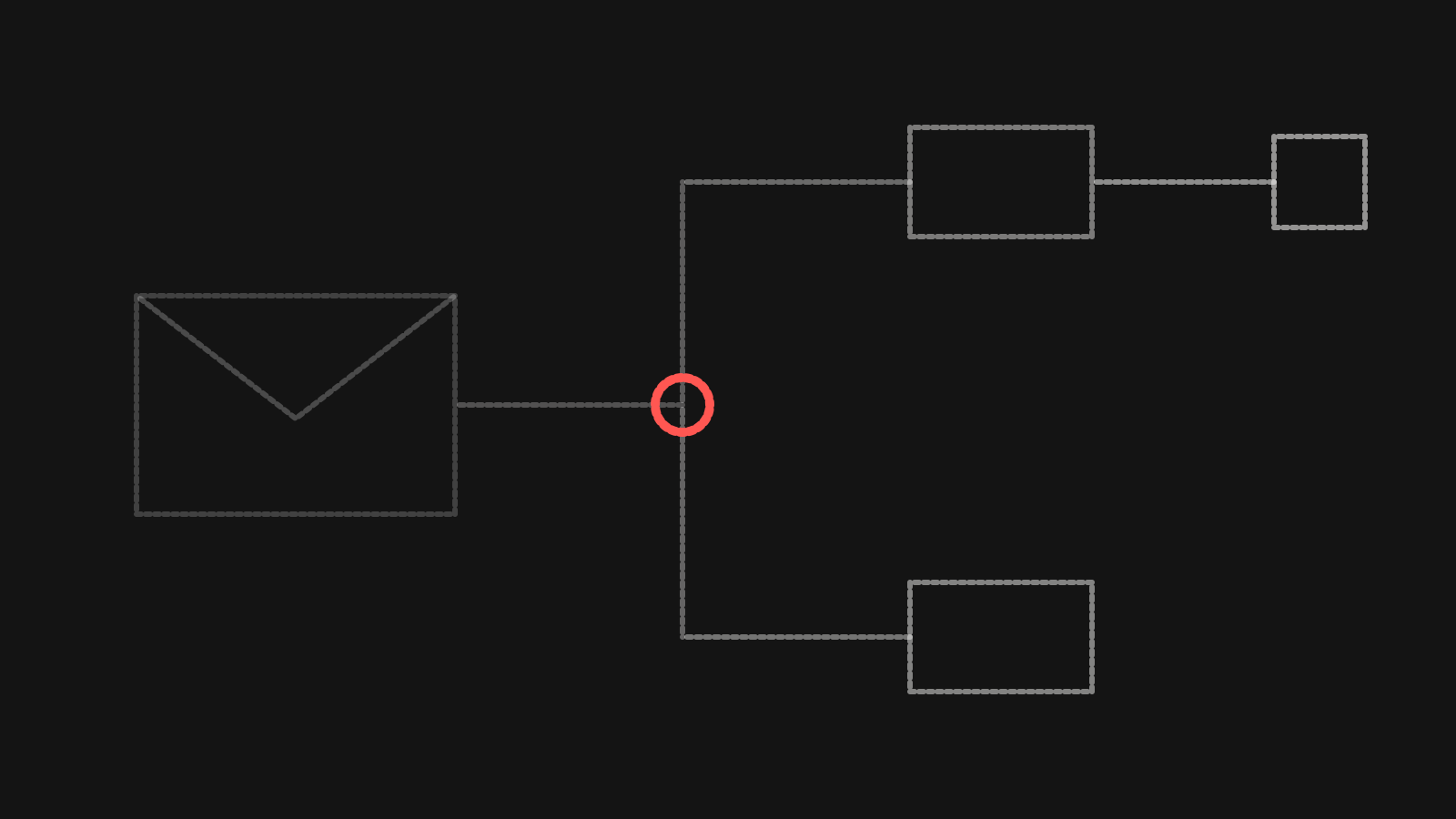
Email marketing automation is a set of emails that send themselves when someone does something, or fails to. A person signs up and gets a welcome series. A shopper leaves a cart and gets a reminder. A customer hasn't ordered in a while and gets a nudge. Each flow is written once, triggered by data, and keeps running.
Newsletters and campaigns go out to a list on a date you choose. Flows go out to one person at the moment their behaviour makes the message relevant. That timing is why we build flows before anything else.
The first flows to build
Which flows matter depends on the business, but a few cover most of the ground.
- A welcome series for new subscribers or leads, introducing who you are and what to do next
- An abandoned cart or abandoned form reminder, for people who started and stopped
- A post-purchase or post-signup flow that confirms, explains and sets expectations
- A lapsed customer or re-engagement flow for people who've gone quiet
- A lead follow-up sequence for service businesses, timed around how sales actually works
Start with the welcome series. It reaches people when their interest is highest, and it sets the tone for everything after. Keep it short. Say who you are, what the person can expect from your emails and what you'd like them to do first. Then build the flow closest to revenue for your model, which is usually the abandoned cart for a store and lead follow-up for a service business.
Write each flow with an exit. If someone buys halfway through an abandoned cart series, they should stop getting cart reminders. If a lead books a call, the nurture sequence should end. Flows without exits produce the emails that make people unsubscribe.
CRM data is what makes flows work
A flow is only as smart as the data that triggers it. If the email platform doesn't know someone bought, it will keep asking them to buy. If it doesn't know a lead became a client, it will keep nurturing a client.
That's why we treat email and CRM as one piece of work. The email platform needs to receive the events that matter, in close to real time, from the systems that know them. For a store, that's orders, refunds and product views from the commerce platform. For a service business, it's lead stages and outcomes from the CRM. For both, it's consent status and the source each contact came from.
Agree on a small set of fields before building. Email, consent status and date, source, lifecycle stage, last purchase or last activity date, and whatever segment matters most to the business. Keep the names consistent across systems. A field called "status" in the CRM and "stage" in the email tool, with different values in each, will break segments in ways nobody notices for months.
Clean the list before you automate it. Remove duplicates, fix obvious typos in addresses, and separate people who opted in to marketing from people who only gave an email for a receipt or a support request. The opt-in record matters both for deliverability and for the privacy rules that apply where your customers are.
Deliverability basics
An email that lands in spam didn't really send. The large inbox providers now publish requirements senders have to meet.
Google's email sender guidelines say that starting February 1, 2024, all senders to Gmail accounts must set up SPF or DKIM authentication for their sending domains. For senders who send more than 5,000 messages a day to Gmail accounts, the same guidelines require both SPF and DKIM, a DMARC policy for the sending domain, one-click unsubscribe for marketing and subscribed messages, and spam rates reported in Postmaster Tools below 0.30%. The monitoring section of that page recommends staying below 0.10%.
Yahoo's guidance for senders sets similar rules for bulk senders. It asks for both SPF and DKIM, a valid DMARC policy of at least p=none that passes, a working one-click unsubscribe header, unsubscribes honoured within 2 days, and a spam rate below 0.3%.
Even if you send far less than those thresholds, meet the bulk sender rules anyway. They're the baseline the inbox providers expect, and setting them up takes a few DNS records and a check that your email platform supports one-click unsubscribe.
Past authentication, deliverability comes down to sending email people want. Send to people who opted in. Stop sending to people who haven't opened or clicked in a long time, or move them into a re-engagement flow and remove them if they don't respond. Don't buy lists. Warm up a new sending domain gradually instead of sending your whole list on day one.
Measuring beyond opens
Open rates are a weak signal. Opens are counted through a small tracking image, so anything that loads or blocks images on the reader's behalf can distort the number. Treat opens as a rough health check for deliverability, and judge flows on what happens after.
Clicks are more reliable, since a person has to act. Conversions are better still: orders, booked calls, completed forms, renewals. Attribute them carefully. An email platform's own revenue figure may count any purchase within a window after an email was opened or clicked, whether or not the email had anything to do with it.
The most useful measure is a holdout. For a flow that matters, keep a small random group of eligible people out of it and compare what they do against the people who got the emails. The difference is what the flow actually produced. That's harder to set up than reading a dashboard, and it's the only number that answers whether the flow is earning its place.
Look at the whole program too. Unsubscribe and complaint rates per flow tell you which messages are wearing people out. Revenue or pipeline per contact over time tells you whether the program is growing the business or just sending more email. This is where marketing data and analytics and email work meet, because the numbers that matter live in the CRM and the commerce platform, not only in the email tool.
Where to go from there
Once the core flows run cleanly, the next steps are usually segmentation and timing. Split the welcome series by how someone signed up. Change the lapsed customer timing to match how often people actually reorder. Add a flow for a high-value moment the business already knows about, like a renewal date or an anniversary.
Resist building dozens of flows at once. Each one needs copy, logic, exits, testing and someone who checks it still works after the next site or CRM change. A few flows that are maintained beat many that drift. Our email and CRM marketing work starts with the core set and the data behind it before adding more.
Questions people ask
What is email marketing automation?
It's email that sends itself when a contact does something or meets a condition, such as signing up, abandoning a cart or going a set time without ordering. Each flow is written once and triggered by data from your store, CRM or website.
Which automated email flows should I set up first?
A welcome series first, then the flow closest to revenue for your model. For an online store that's usually abandoned cart, and for a service business it's lead follow-up. Post-purchase and re-engagement flows come next.
What do I need for Gmail and Yahoo deliverability?
Google's sender guidelines require SPF or DKIM for all senders, and for senders over 5,000 messages a day to Gmail, SPF and DKIM, DMARC, one-click unsubscribe and a spam rate below 0.30%. Yahoo's bulk sender rules are similar and ask that unsubscribes be honoured within 2 days.
How should I measure email automation if open rates aren't reliable?
Judge flows on clicks and conversions recorded in your own systems, and use a holdout group for the flows that matter most. Comparing people who received a flow with people who didn't shows what the flow actually produced.