Data
How to start conversion rate optimization without wasting traffic
Most conversion gains come from fixing obvious friction and measuring the right outcome, long before any clever test.
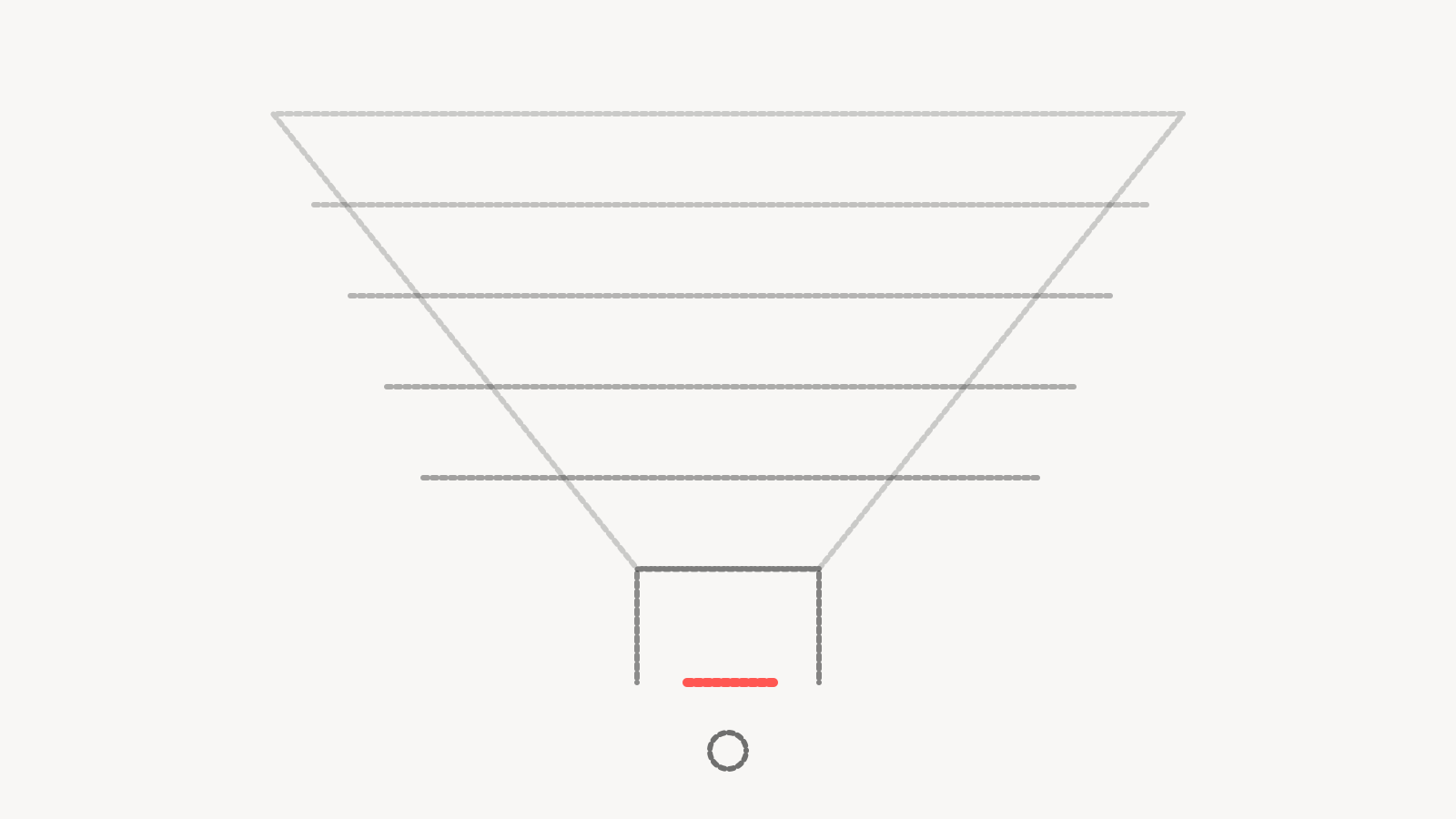
Conversion rate optimization is the work of getting more of the people who already visit your site to do the thing you want, whether that's buying, booking or filling in a form. It's one of the cheapest ways to grow a paid media program, because every improvement applies to traffic you're already paying for.
It's also one of the easiest places to waste time. Teams run tests that can't reach a conclusion, celebrate lifts that disappear, and optimize forms into producing more leads that sales doesn't want. This article covers where we'd start, how we'd prioritize, and how to avoid the traps.
Check the measurement first
Before changing a single page, confirm that the conversion you're trying to increase is counted correctly. It sounds obvious, and it's also where a CRO program can go wrong without anyone noticing.
Submit a test conversion on each important page and trace it. Does it fire once, in analytics and in each ad platform? Does it show up in the CRM with the right source? Do thank-you page reloads, spam submissions or internal visits inflate the count? If a form can be submitted without a valid email, some of your "conversions" may be junk.
If the numbers aren't trustworthy, any test you run will be measured against noise. Fixing tracking, including moving key events to server-side tracking where browser tracking is losing data, is the first step of CRO even though nobody calls it that.
Find where people actually stop
With measurement in place, look for the biggest leaks. Start from the money and work backwards.
In analytics, build the path from landing page to conversion and see where the largest share of sessions end. Compare by device, since mobile and desktop often behave very differently on the same page. Compare by traffic source, since a page that converts well for branded search may fail for cold social traffic.
Then watch real sessions if you have a session recording tool, and read the form. Fill it in yourself on a phone. You'll often find something embarrassing quickly, like a required field nobody needs, a date picker that doesn't work on mobile, or an error message that clears the whole form.
Talk to sales or support as well. They hear the objections customers raise after converting, and those objections usually belong on the page.
Fix the obvious before you test
Not everything needs an A/B test. If the form is broken on mobile, fix it. If the page takes a long time to load, speed it up. If the main call to action is below several screens of copy, move it up. If the price or the next step is unclear, make it clear.
Treat these as fixes. Testing them wastes traffic and delays a change you'd make anyway. Reserve testing for questions where you honestly don't know the answer, such as which offer to lead with, how much information to ask for, or whether a longer page with more proof outperforms a shorter one.
How to prioritize landing page optimization
When the obvious fixes are done, you'll have a list of ideas that's longer than your traffic can support. Score each one on reach, proximity and confidence.
Reach is how many people the change would affect. A change to the page that receives most of your paid traffic matters more than one on a page few people see.
Proximity is how close the change sits to the conversion. Problems at the form or checkout affect people who have already shown intent.
Confidence is how sure you are that it matters. Evidence from analytics, session recordings or customer conversations counts for more than a hunch.
Weigh those against effort, and start at the top. Write down the reasoning for each choice. When a test doesn't work, that record helps you learn why.
Testing pitfalls that cost the most
Too little traffic
A test needs enough conversions in each variant to tell a real difference from random variation. Low-traffic pages may need a long time to get there, and some never will. Use a sample size calculator before you start, with your real baseline conversion rate and the smallest lift you'd care about. If the answer is unworkable, test something with more traffic, test a bigger change, or make the change and monitor it instead.
Stopping when it looks good
Checking results daily and stopping as soon as one variant pulls ahead produces false winners. Decide the sample size or duration in advance and stick to it. Run full weeks so weekday and weekend behaviour are both included.
Testing too many things at once
Changing the headline, the image, the form and the offer in one variant can tell you that the new version won, without telling you which change did it. That's acceptable when you want a big lift fast. It's a problem when you're trying to learn which element matters.
Ignoring what changed elsewhere
A test that runs while you change bids, launch a new campaign or hit a seasonal spike can be distorted by traffic mix. Note every outside change during the test and check whether the result holds within each source.
Judge on lead quality
For lead generation, a higher form completion rate is not automatically good news. Removing fields, adding a free offer or softening the commitment can all increase submissions while lowering the share that ever becomes a customer.
The test that matters is what happens downstream. Connect form submissions to CRM outcomes, and judge each change on qualified leads, meetings held, opportunities created or revenue, whichever stage your data can reliably reach. If that data takes a while to mature, keep watching the cohort after the test ends before calling a winner.
This also matters for ad platforms. If you feed them every form fill as a conversion, they'll find you more people who fill in forms. If you feed them qualified leads, they'll learn to find more of those. CRO and media buying work much better when they're judged on the same outcome.
Keep a record
Every test, fix and result should go into a simple log with the date, the hypothesis, the change, the outcome and what you concluded. Over time this becomes one of the most useful documents a team keeps, because it stops you from re-running old tests and shows which kinds of changes tend to work for your audience.
If you'd like help setting this up end to end, our conversion rate optimization service can take it on, beginning with the measurement checks.
Questions people ask
What is conversion rate optimization?
It's the practice of increasing the share of visitors who complete a valuable action, such as a purchase, booking or qualified lead form. It combines measurement, analysis of where people stop, fixes to obvious friction and controlled tests for open questions.
Where should I start with landing page optimization?
Start by confirming the conversion is tracked correctly, then find the page and step where the most people drop off. Fix clear problems like broken mobile forms, slow loading or an unclear next step before spending traffic on tests.
How much traffic do I need for A/B testing?
Enough to reach the sample size a calculator gives you for your baseline conversion rate and the smallest lift you care about. If a page can't get there in a reasonable time, test larger changes, test on a higher-traffic page, or make the change and monitor results instead.
Should I optimize for more leads or better leads?
Better leads, measured as far down the funnel as your data allows. A change that increases form fills while reducing the share that becomes customers is a loss, even though the conversion rate went up.