Data
How the Meta Conversions API works and how to set it up properly
The Conversions API gives Meta a second, sturdier copy of your conversions, and it only helps if the two copies agree on what happened.
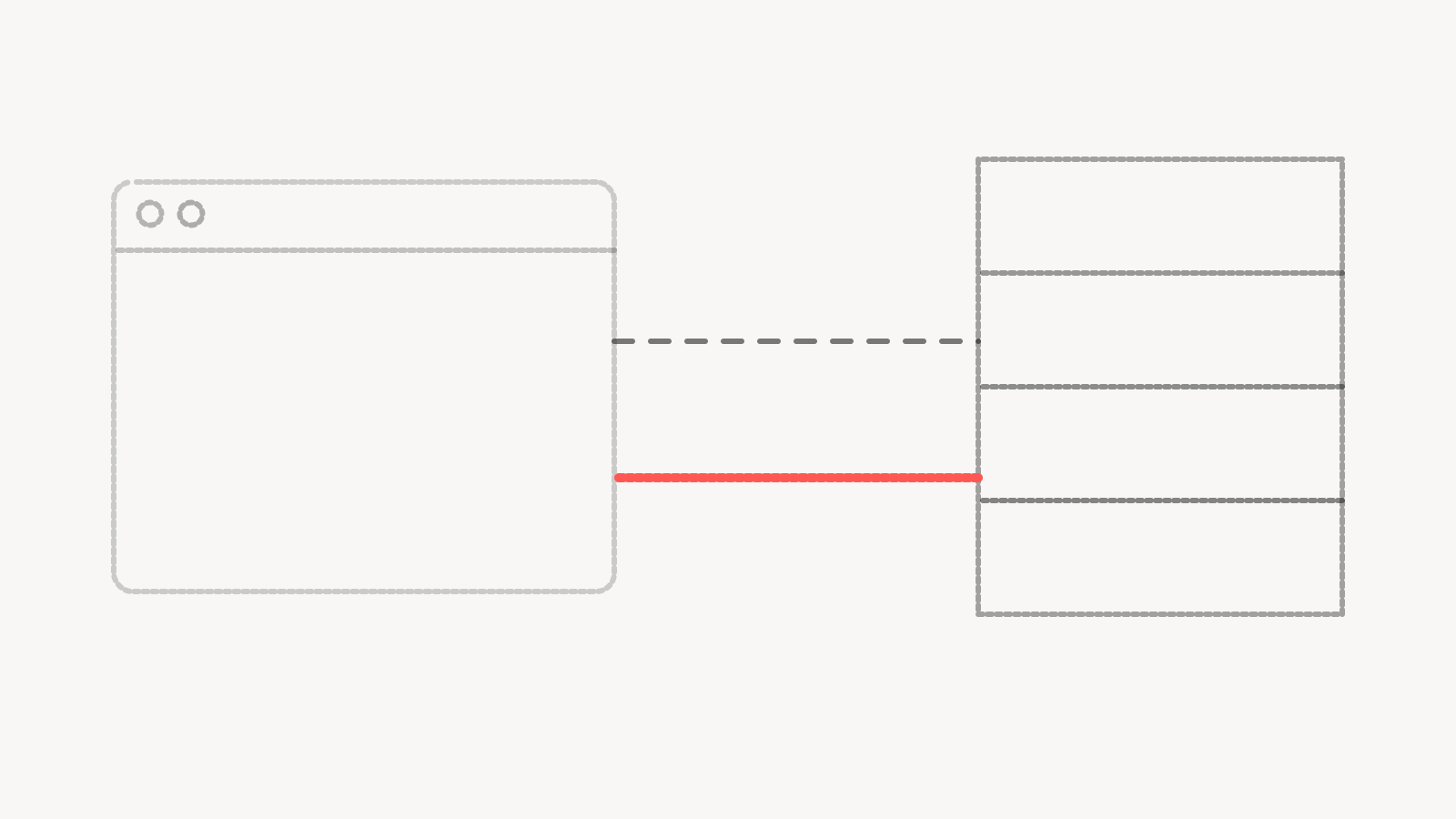

The Meta Conversions API is a way to send conversion events to Meta from a server instead of from the visitor's browser. A purchase, a lead form, a booking or a sign-up gets reported by your own system, which knows the event happened because it processed it.
Most accounts already run the Meta Pixel, which reports the same events from the browser. The Conversions API doesn't replace it. Meta's own developer documentation recommends using the Conversions API in addition to the Pixel and sharing the same events through both. The work is in making those two streams describe one set of events instead of two.
When we audit these setups, the pattern repeats. The API gets switched on through a plugin or a partner integration, the event count in Events Manager goes up, and nobody checks whether the extra events are real conversions or the same conversions counted twice.
Why the browser alone falls short
The Pixel runs in the visitor's browser. That browser may block scripts, the visitor may leave before the thank-you page loads, a consent banner may hold the tag back, or an in-app browser may behave differently than a desktop one. Each of those cases can drop an event the business actually received.
A server doesn't have those problems. When your checkout records an order or your form backend saves a lead, the server can send that event to Meta with the details your system holds. That gives Meta a steadier signal to optimize on, and it gives you a record you can compare against your own data.
The browser still matters. It sees things the server often doesn't, such as the click identifier in the cookie Meta sets, the page the visitor was on and their browser details. Sending both, and tying them together, gives Meta the most complete view of each event.
How deduplication works
When the same purchase arrives once from the Pixel and once from the server, Meta needs to know it's one purchase. That's deduplication, and it's the part we check first.
Meta's developer documentation on deduplicating Pixel and server events describes the recommended method. The browser event's eventID has to match the server event's event_id, and the event names have to match too. If a Purchase from the Pixel and a Purchase from the server carry the same ID, Meta keeps one and discards the other. The same page says events are only deduplicated if they arrive within 48 hours of the first event with that ID.
In practice, this means your site has to generate one ID per event and hand it to both sides. A common approach is to create the ID when the conversion happens, push it to the data layer for the browser tag and pass it to the server call at the same moment. An order number works well for purchases because both sides already know it. For leads, a generated value stored with the submission does the job.
The failures we see are predictable:
- The browser and server each generate their own random ID, so nothing ever matches
- The event names differ, such as "Lead" on one side and "lead_submit" on the other
- A plugin sends server events with no ID at all
- The server sends the event long after the browser did, outside the matching window
Any one of these doubles your reported conversions, and Meta's bidding treats the inflated number as real.
What to send with each event
Meta's developer guidance for the Conversions API asks for external_id and event_id on all events, and says that sending additional customer information parameters may help increase Event Match Quality. Event Match Quality is a score out of 10 that, in Meta's words, indicates how effective your server event's customer information may be.
Customer information means things like a hashed email address or phone number, the visitor's IP address and user agent, and the browser and click identifiers from Meta's cookies. Meta's documentation says that if you aren't using its Business SDK, you need to implement the hashing yourself. Raw email addresses shouldn't leave your server.
Timing matters too. Meta's guide to using the API says event_time can be up to 7 days before you send the event, and that if any event in a request is older than that, the whole request returns an error. Batch jobs that run late, or retry queues that hold events for a week, can lose a full batch this way. Send events as they happen whenever you can.
Where consent fits
A server-side setup doesn't remove the need for consent. If a visitor declines marketing cookies, sending their purchase to Meta from your server instead of their browser doesn't change what they declined. The consent decision has to travel with the event.
That means your consent platform, your browser tags and your server logic all read the same signal. If consent is refused, the server shouldn't send that visitor's identifiers for advertising. Meta's API also supports data processing options, which its documentation describes as Limited Data Use settings for US users, set per event. Which rules apply to you depends on where your customers are, and that's a question for whoever handles privacy compliance for the business before it's a question for the tag setup.
We'd rather an account report fewer conversions honestly than more conversions it had no right to send.
How to test it
Testing has two parts. The first is checking that events arrive. The second is checking that they're the right events, counted once.
Events Manager has a Test Events tool, and the Conversions API accepts a test_event_code field so you can watch server events come in. Meta's documentation is clear that this field should be removed in production, and that events sent with a test code are not dropped. They still feed into your data. So a test purchase made with a test code is still a purchase in Meta's eyes, and you should plan your tests with that in mind.
The second part is where we spend more time. Make one real test conversion, note the order or lead ID, and trace it through every system. It should appear once in your own backend, once in Events Manager with both a browser and a server source, and as one deduplicated event. Then compare a full month of Meta-reported conversions against your own records. If Meta shows meaningfully more than your backend recorded, something is double counting. If it shows far fewer, something is dropping.
Common failures after launch
Setups that worked at launch break later. A site redesign changes the thank-you page and the browser event stops firing, so only server events remain and deduplication has nothing to match. A plugin update changes event names. A new form tool replaces the old one and nobody wires the server call back in. A developer tests in production and their test purchases land in the ad account.
None of these show up as errors. The numbers just drift. That's why we treat Conversions API work as part of ongoing server-side tracking instead of a one-time install, with a check on which event, on which dataset, last arrived when.
If the account is spending real money on conversion-optimized campaigns, the tracking deserves the same attention as the campaigns. Our Meta ads management work starts with that check before any budget conversation.
Questions people ask
Do I still need the Meta Pixel if I use the Conversions API?
Meta's documentation recommends running both and sending the same events through each, with matching event IDs so they deduplicate. The browser provides details the server often lacks, and the server catches events the browser misses.
Is the Conversions API hard to set up?
A basic connection through a platform integration can be quick. Getting it right takes longer, because the work is in shared event IDs, matching event names, hashed customer data, consent handling and testing against your own records. That part needs someone who can read both the site code and the ad account.
Why did my conversions jump after I turned on the Conversions API?
The usual reason is missing or mismatched event IDs, so Meta counts the browser and server copies of the same conversion as two events. Compare a month of Meta-reported conversions against your own order or lead records to see whether the increase is real.
Does the Conversions API get around cookie consent?
It shouldn't. Consent applies to the data and the purpose, whatever route the data takes. A sound setup reads the visitor's consent choice and only sends advertising identifiers from the server when that choice allows it.